Слайд 2View, edit, create and share your documents
OfficeSuite brings the power and capability
of a desktop app to the iPhone and iPad like never before!
This is the perfect tool for effortlessly viewing, editing, creating and sharing Microsoft Word, Excel, PowerPoint and PDF documents.
Convert PDFs to Word/Excel, make changes, insert notes and comments, then save as a new PDF with custom formatting.
Localized languages – English, Dutch, French, German, Italian, Spanish, Russian, Portuguese, Japanese, Chinese, Thai, and Hindi.
Слайд 3What makes OfficeSuite better?
Extremely fast and easy to use
Familiar desktop-inspired user
interface
Full editor for Microsoft Word, Excel and PowerPoint documents
Open, annotate, convert, and save PDF documents
View and edit RTF and CSV file formats
Supports all Microsoft Office file formats
Printing support
Auto-correct while you type
Слайд 4Easy file access and sharing
Fast and easy to use - easily access,
modify and share your local or cloud stored files
Supports Google Drive, Dropbox, Box, OneDrive, WebDAV, and iCloud with not cloud lock-in. No complex synchronizations – open, edit, and save directly to the cloud
Back up your documents on iCloud
Audio dictation of menus and file contents
Share documents via Email
Print documents
 Slaidy.com
 Team Leader YouLead’16
 Клуб Межкультурной Коммуникации СевГУ
 День святого Валентина 7 класс - Презентация к уроку английского языка
 My first work
 Talk for a minute
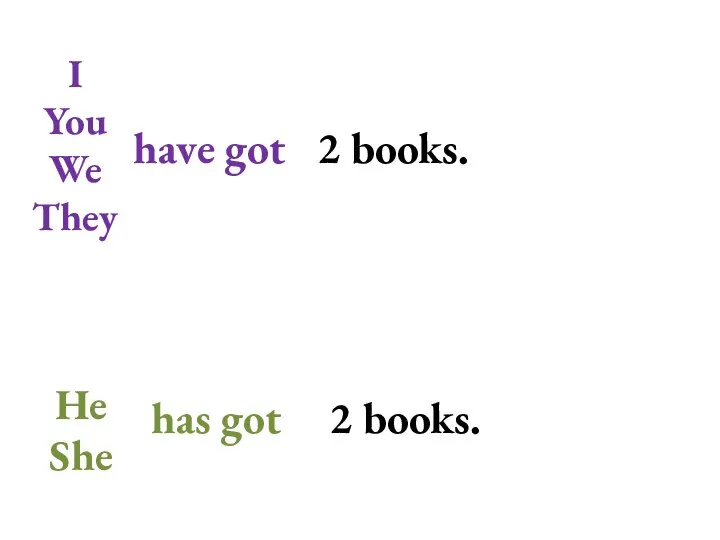 Grammar. You, we, they
 Портфолио ВОСПИТАТЕЛЯ ДЕТСКОГО САДА
 Secondary school
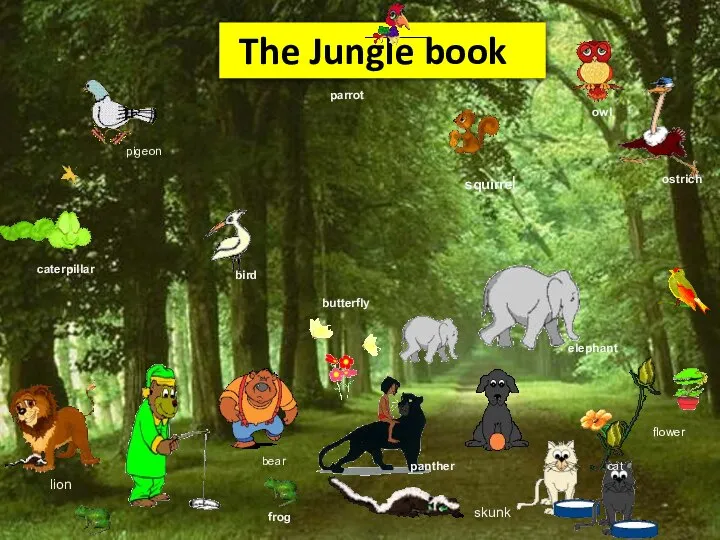 The Jungle book. Present continuous
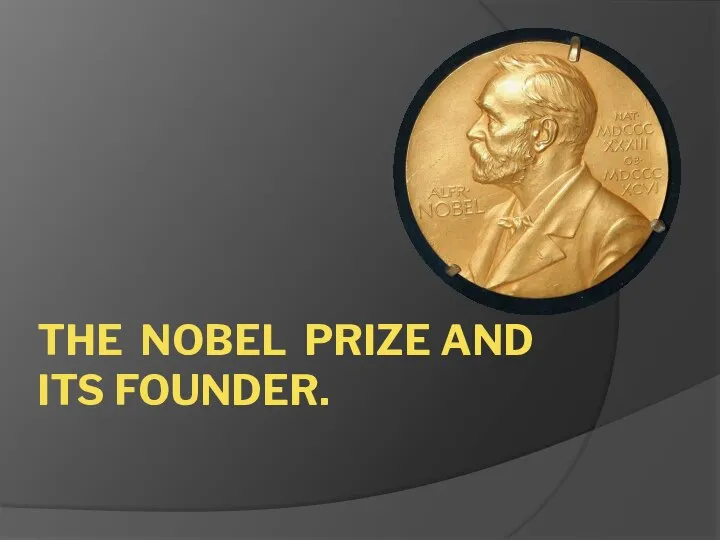 The Nobel Prize and its founder
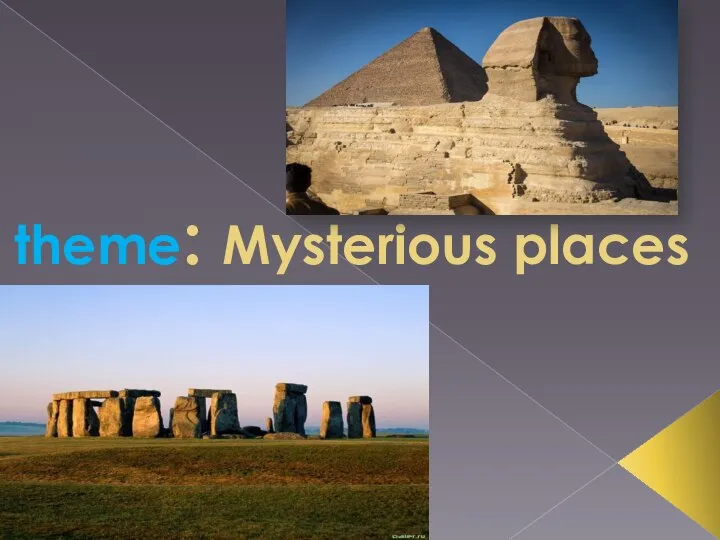 Mysterious places
 Feed Toothless
 Living room words
 Презентация на тему ENVIRONMENT PROTECTION
 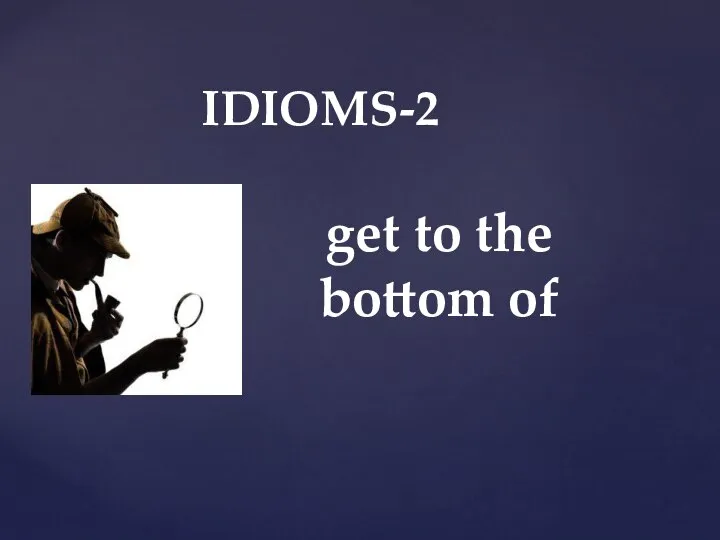 IDIOMS-2. Get to the bottom of
 My bedroom
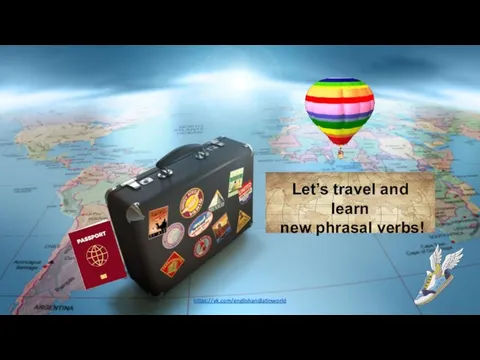 Let’s travel and learn new phrasal verbs!
 CS194-10 Fall 2011 Introduction to Machine
 Metaphor Simile
 Present Simple and Present Continuous. Тест
 School tour (экскурсия по школе)
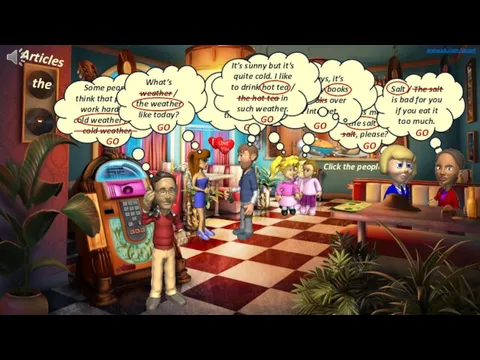 Articles. Cafe
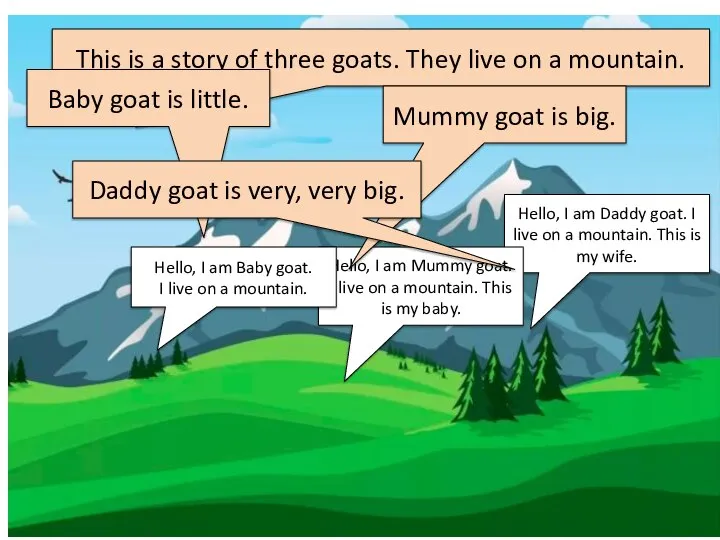 Goats. This is a story of three goats. They live on a mountain
 How are you 5
 Окружающий мир
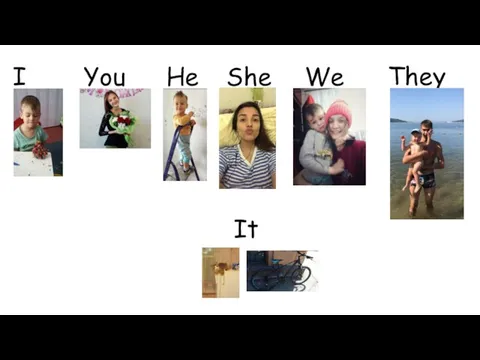 Pronouns. Местоимения
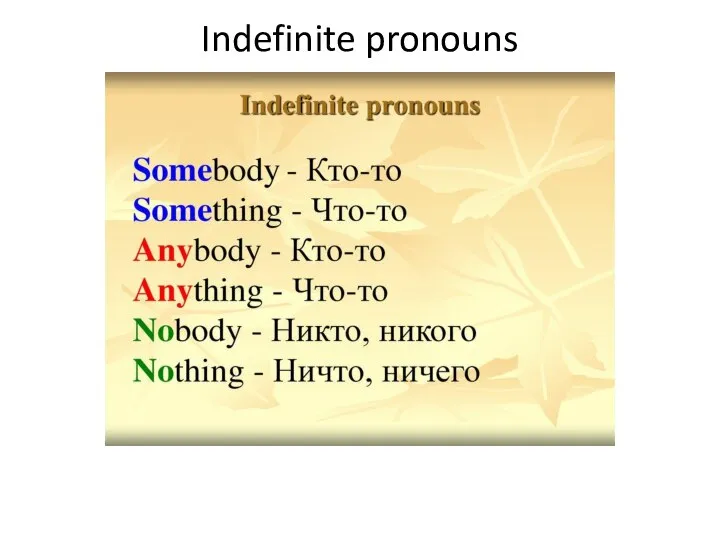 Indefinite pronouns
 Present Simple-Continuous