 Slaidy.com
- The using of Interactive Technologies at English Lessons in order to increase students’ motivation

Содержание
- 2. You can lead a horse to water, but you can’t make him drink The proverb
- 3. If you want to succeed in your life you need to know the language, because English
- 4. English is the language of technologies and progress.
- 5. THE AIM OF THE PROJECT The aim of the present research work is to cover the
- 6. THE PURPOSES To learn about information technologies in education. To analyze the development of school boards.
- 7. INTERACTIVE TECHNOLOGIES AT ENGLISH LESSONS INTRODUCTION The possibilities of the SMART Board SMART BOARD AS ONE
- 8. The object of the research work is the ways of using SMART Board to increase students’
- 9. THE ADVANTAGES and disadvantages OF SMARTBOARD
- 10. THE HISTORY OF SMARTBOARD
- 11. Last year we made the video about the SMART Board, which you can see on the
- 12. CLICKS AND TOUCHES Students work - a simple touch of a finger
- 13. WAYS TO USE SMARTBOARD
- 14. ADDITIONAL BUTTONS Below the pen tray there are two buttons
- 15. CALIBRATION Before starting work on the interactive whiteboard we must standardize it with our fingers.
- 16. THE NOTEBOOK We can use it to write a text or to draw in different colors
- 17. A SHADOW SCREEN During the dictations or questions we use the so-called shadow screen.
- 18. THE PRESENTATIONS Presentation is the practice of showing and explaining the contents of a topic to
- 19. A COMPUTER DICTIONARY Nowadays computer dictionaries can help a lot.
- 20. THE INTERNET SITES We often work with the internet at our lessons.
- 21. YOUTUBE YouTube is a video-sharing website.
- 22. E-MAIL We sometimes send our homework through e-mail to our teacher.
- 23. THE GOOGLE-MAP We use the Google-map to travel through the world.
- 24. THE TABLET The tablet is a device for entering drawings by hand directly into the computer.
- 25. REMOTE-CONRTOLS We have also little remote-controls. They work with the program «Turning point».
- 26. What electronic gadgets do you use in your everyday life?
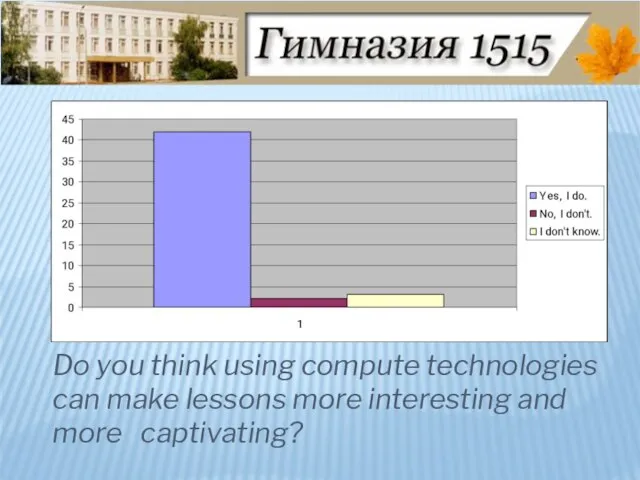
- 27. Do you think using compute technologies can make lessons more interesting and more captivating?
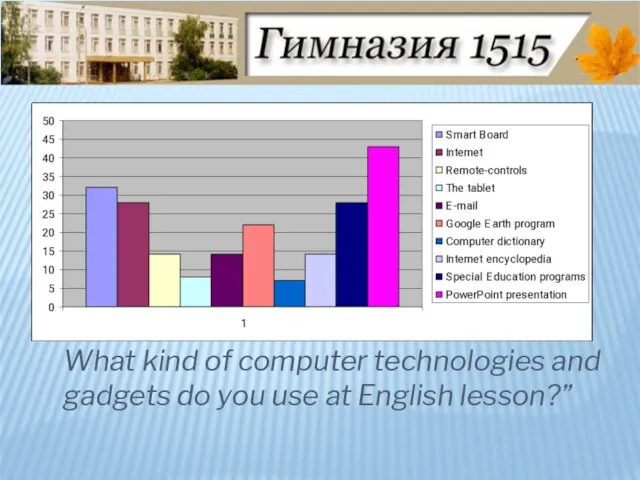
- 28. What kind of computer technologies and gadgets do you use at English lesson?”
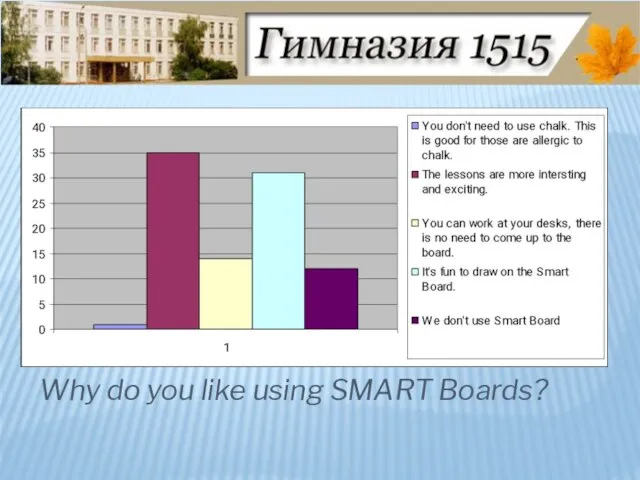
- 29. Why do you like using SMART Boards?
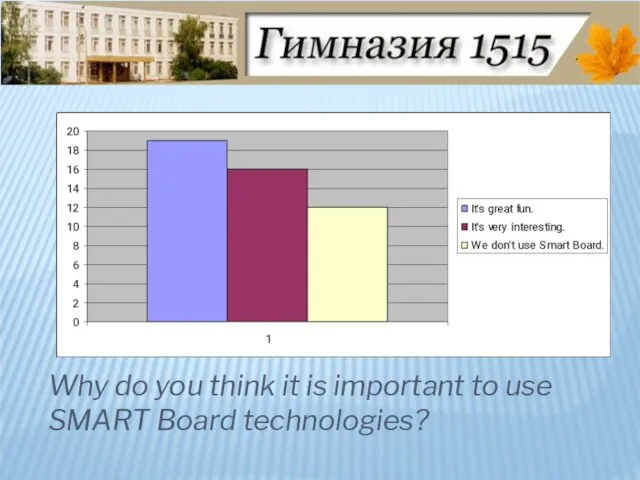
- 30. Why do you think it is important to use SMART Board technologies?
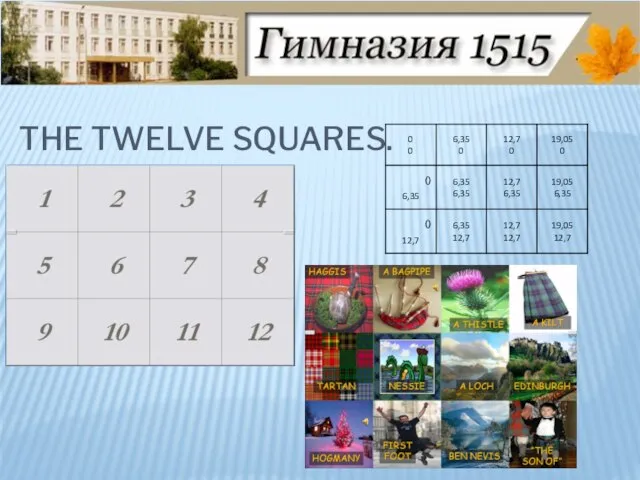
- 31. The twelve SQUARES.
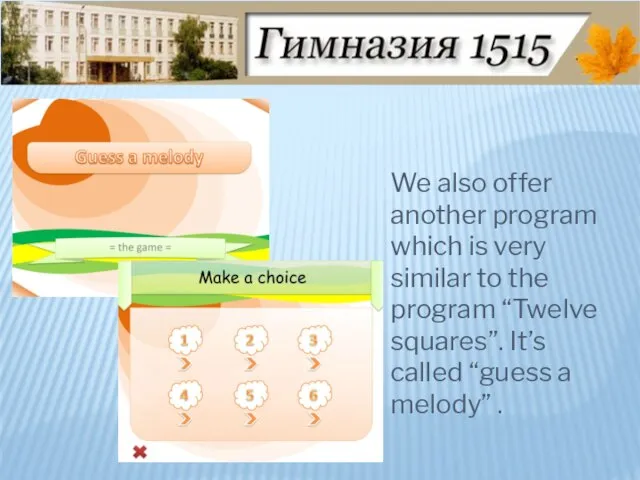
- 32. We also offer another program which is very similar to the program “Twelve squares”. It’s called
- 33. Thanks to SMART Board technologies our lessons have become brighter. Using SMART Boards options help us
- 35. Скачать презентацию

Слайд 3If you want to succeed in your life you need to know
If you want to succeed in your life you need to know
Слайд 4 English is the language of technologies and progress.
English is the language of technologies and progress.
Слайд 5THE AIM OF THE PROJECT
The aim of the present research work is
THE AIM OF THE PROJECT
The aim of the present research work is
Слайд 6THE PURPOSES
To learn about information technologies in education.
To analyze the development of
THE PURPOSES
To learn about information technologies in education.
To analyze the development of
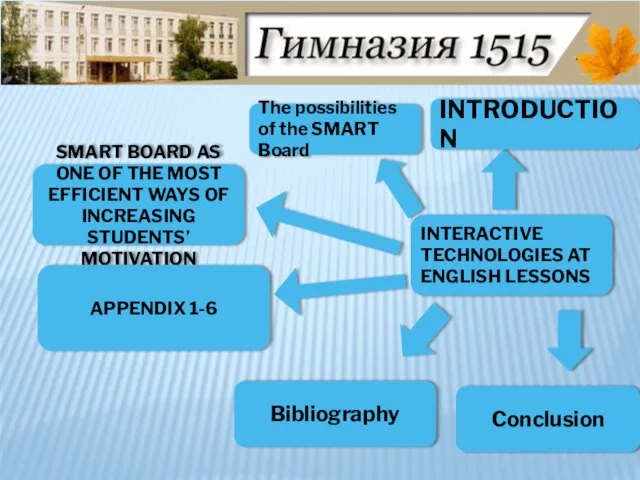
Слайд 7INTERACTIVE TECHNOLOGIES AT ENGLISH LESSONS
INTRODUCTION
The possibilities of the SMART Board
SMART BOARD AS
INTRODUCTION
The possibilities of the SMART Board
SMART BOARD AS
Слайд 8The object of the research work is the ways of using SMART
The object of the research work is the ways of using SMART
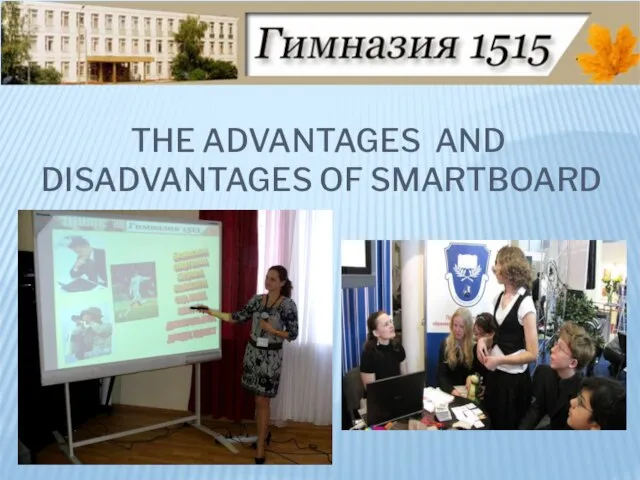
Слайд 9THE ADVANTAGES and disadvantages OF SMARTBOARD
THE ADVANTAGES and disadvantages OF SMARTBOARD
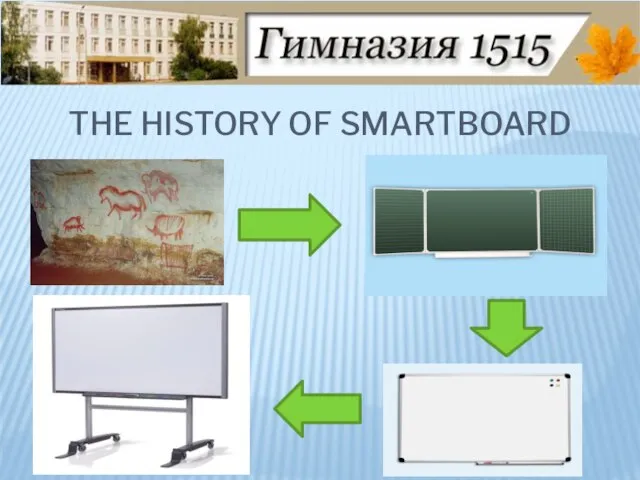
Слайд 10THE HISTORY OF SMARTBOARD
THE HISTORY OF SMARTBOARD
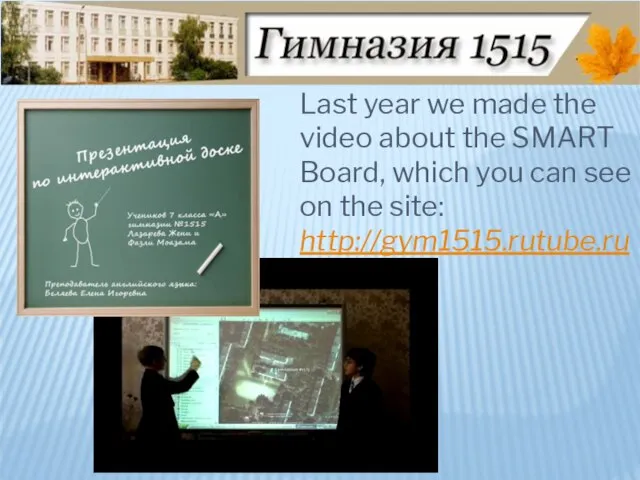
Слайд 11 Last year we made the video about the SMART Board, which you
Last year we made the video about the SMART Board, which you
Слайд 12CLICKS AND TOUCHES
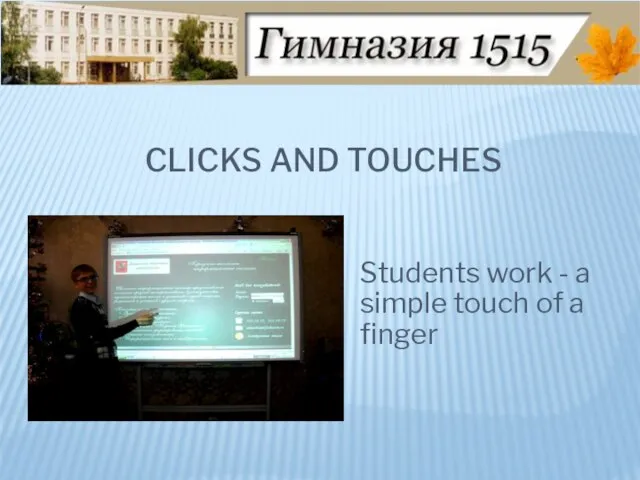
Students work - a simple touch of a finger
CLICKS AND TOUCHES
Students work - a simple touch of a finger
Слайд 13WAYS TO USE SMARTBOARD
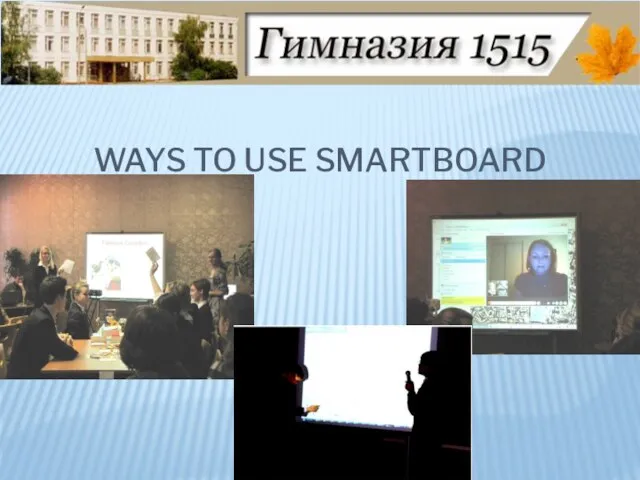
WAYS TO USE SMARTBOARD
Слайд 14ADDITIONAL BUTTONS
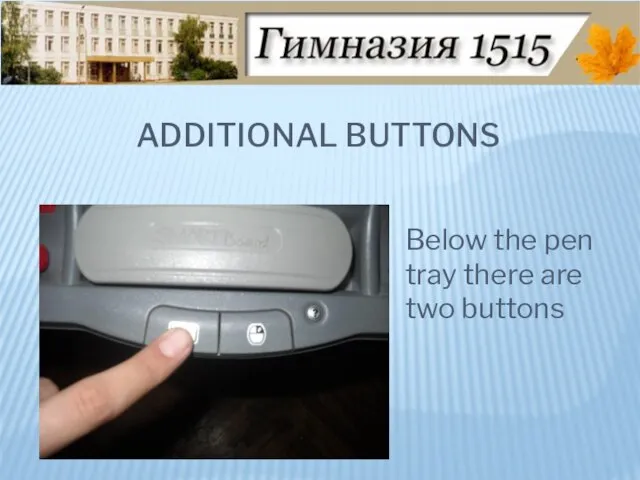
Below the pen tray there are two buttons
ADDITIONAL BUTTONS
Below the pen tray there are two buttons
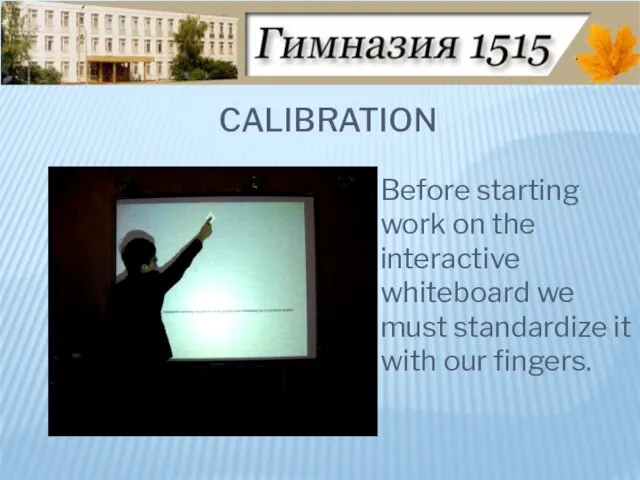
Слайд 15CALIBRATION
Before starting work on the interactive whiteboard we must standardize it with
CALIBRATION
Before starting work on the interactive whiteboard we must standardize it with
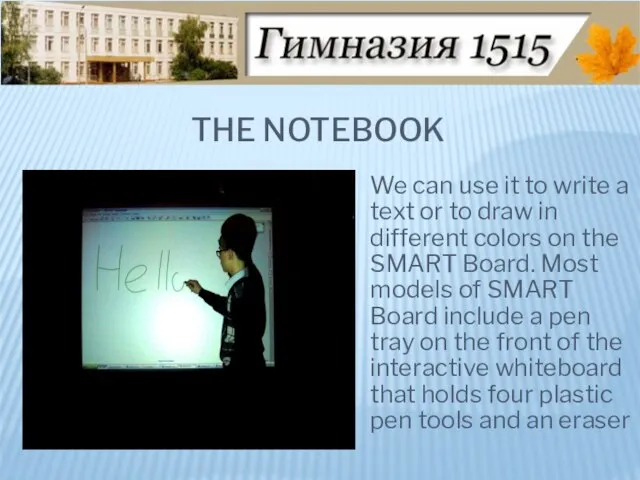
Слайд 16THE NOTEBOOK
We can use it to write a text or to draw
THE NOTEBOOK
We can use it to write a text or to draw
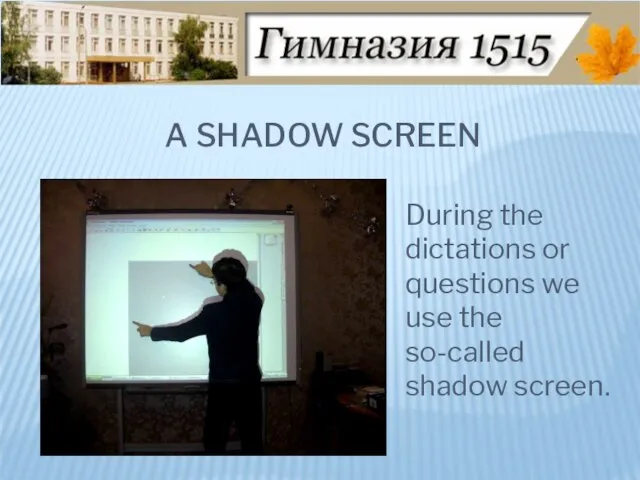
Слайд 17A SHADOW SCREEN
During the dictations or questions we use the so-called shadow
A SHADOW SCREEN
During the dictations or questions we use the so-called shadow
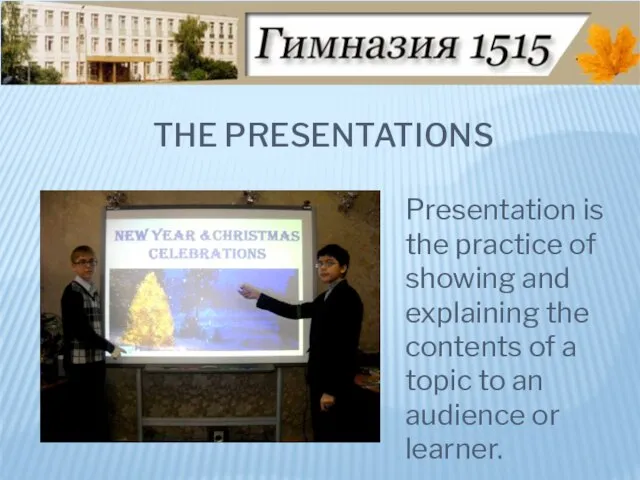
Слайд 18THE PRESENTATIONS
Presentation is the practice of showing and explaining the contents of
THE PRESENTATIONS
Presentation is the practice of showing and explaining the contents of
Слайд 19A COMPUTER DICTIONARY
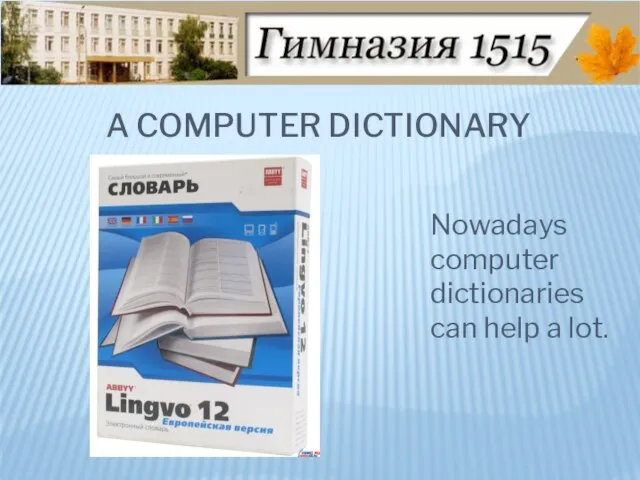
Nowadays computer dictionaries can help a lot.
A COMPUTER DICTIONARY
Nowadays computer dictionaries can help a lot.
Слайд 20THE INTERNET SITES
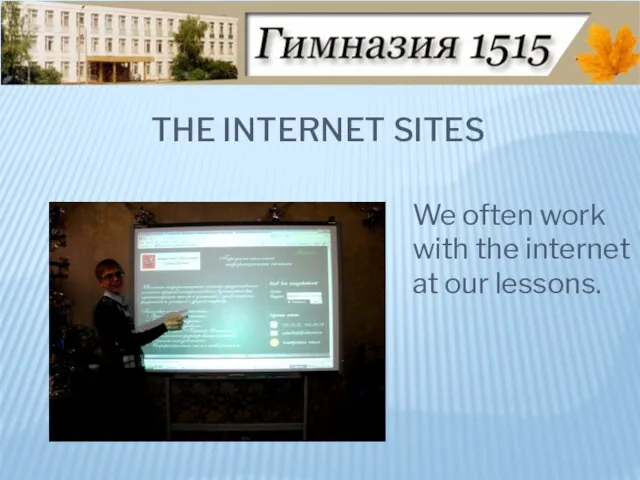
We often work with the internet at our lessons.
THE INTERNET SITES
We often work with the internet at our lessons.
Слайд 21YOUTUBE
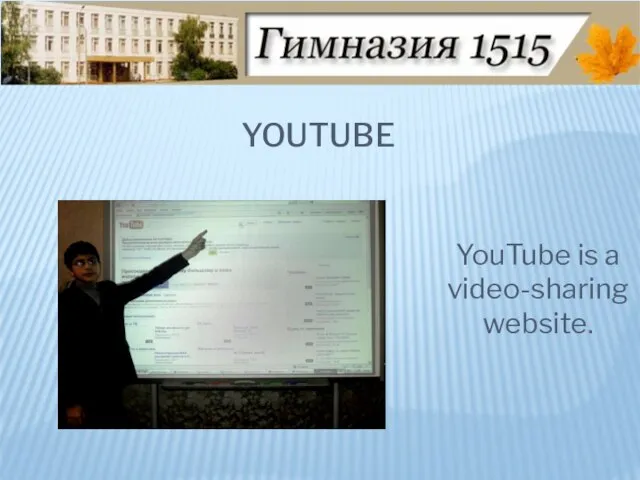
YouTube is a video-sharing website.
YOUTUBE
YouTube is a video-sharing website.
Слайд 22E-MAIL
We sometimes send our homework through e-mail to our teacher.
E-MAIL
We sometimes send our homework through e-mail to our teacher.
Слайд 23THE GOOGLE-MAP
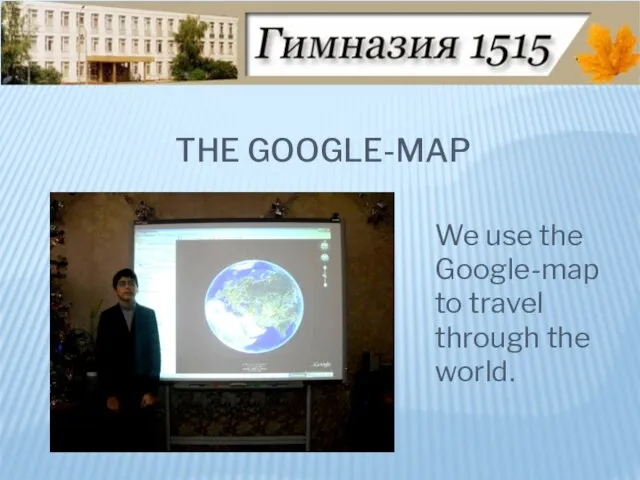
We use the Google-map to travel through the world.
THE GOOGLE-MAP
We use the Google-map to travel through the world.
Слайд 24THE TABLET
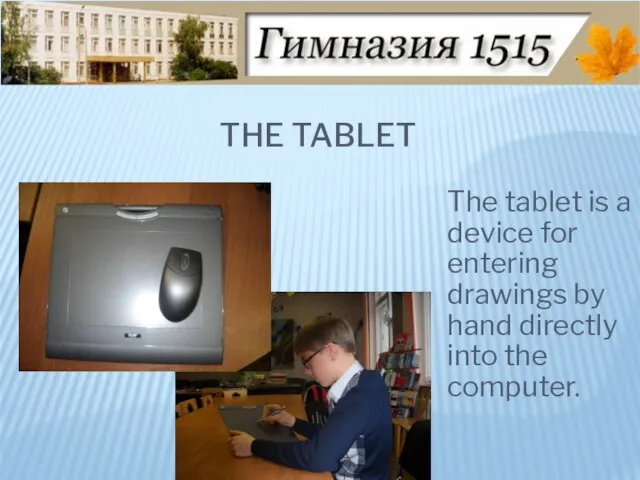
The tablet is a device for entering drawings by hand directly
THE TABLET
The tablet is a device for entering drawings by hand directly
Слайд 25REMOTE-CONRTOLS
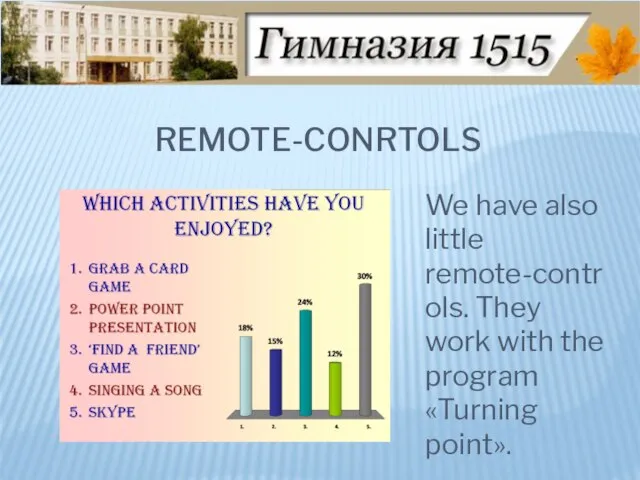
We have also little remote-controls. They work with the program «Turning point».
REMOTE-CONRTOLS
We have also little remote-controls. They work with the program «Turning point».
Слайд 26 What electronic gadgets do you use in your everyday life?
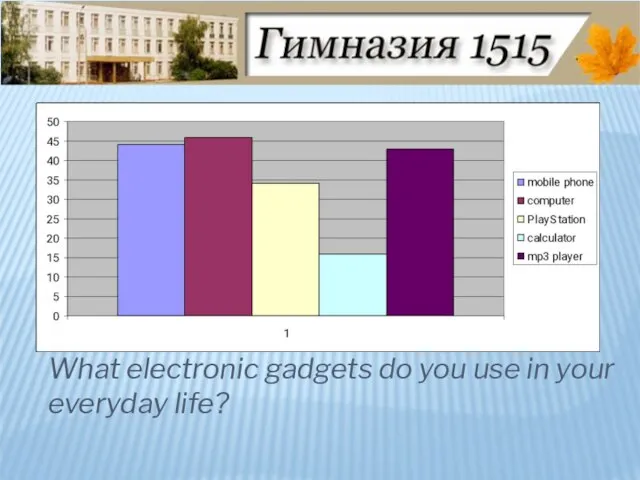
What electronic gadgets do you use in your everyday life?
Слайд 27 Do you think using compute technologies can make lessons more interesting and
Do you think using compute technologies can make lessons more interesting and
Слайд 28 What kind of computer technologies and gadgets do you use at English
What kind of computer technologies and gadgets do you use at English
Слайд 29Why do you like using SMART Boards?
Why do you like using SMART Boards?
Слайд 30 Why do you think it is important to use SMART Board technologies?
Why do you think it is important to use SMART Board technologies?
Слайд 31The twelve SQUARES.
The twelve SQUARES.
Слайд 32 We also offer another program which is very similar to the program
We also offer another program which is very similar to the program
Слайд 33Thanks to SMART Board technologies our lessons have become brighter.
Using SMART
Thanks to SMART Board technologies our lessons have become brighter.
Using SMART
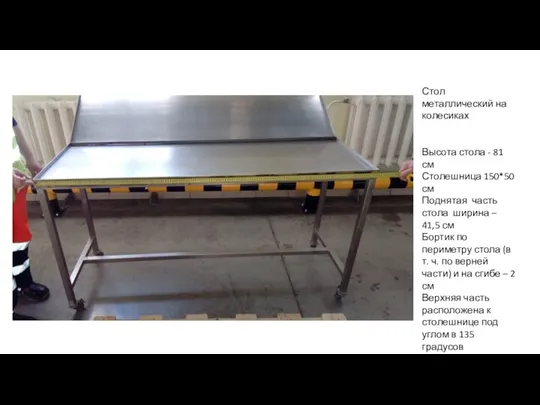 Стол металлический на колесиках
 Развитие основных физических качеств юношей
 Решение треугольников
 Здоровая рекламная экосистема
 Презентация на тему Производство электроэнергии
  Факторы поведения индивидуального уровня (часть 2)
 Создание геологической модели месторождения
 ШКОЛА ОТВЕТСТВЕННЫХ РОДИТЕЛЕЙ Информационно-методическое пособие для медицинских работников и педагогов Автор-составитель Т.Р.
 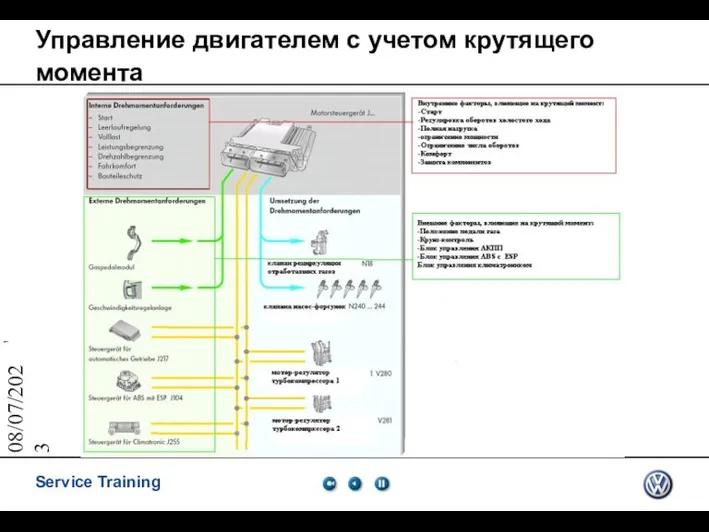 Управление двигателем с учетом крутящего момента
 Кировский автодорожный техникум
 Журнал типовых ошибок
 Теле барҙың – иле бар
 Признаки и механизмы протекания стресса
 Луч.Числовой луч
 Я – гражданин Республики Беларусь
 Пищеварительная система у позвоночных животных
 Презентация_Хабибулова
 IPA
IPA Статистические методы в QSAR
 Мастерская дизайна и рукоделия приглашает на БЕСПЛАТНЫЕ занятия творчеством
 Анализ норм Конституции
 Информатика в школе. Проект выпускника. Требования к оформлению и содержанию проекта
 Презентация на тему Масленица на Руси
 Об истории публицистического стиля
 Разработка мероприятий по повышению конкурентоспособности мини-отеля Айлэнд за счет расширения ассортимента услуг
 Права и обязанности налогоплательщиков
 Презентация на тему Коррупция и общество России
 Иерусалим